


Most vineyard software projects don't fail during the demo. They fail about four months after signing, when someone realizes the spray records they imported don't line up with the block names in the old spreadsheet, the mobile app won't load in the back forty where there's no signal, and the "integration" with the soil sensors turns out to be a CSV export someone has to download manually every Tuesday.
That gap — between a polished sales demo and a system your crew actually uses during harvest — is where most of the money gets wasted. This guide is built to close that gap. It's written for owners and vineyard managers at small-to-mid operations who need real recordkeeping for sprays, labor, and harvest, want sensor data to mean something, and have no interest in buying (or configuring, or paying consultants to configure) a six-figure enterprise platform.
Everything below is organized around the decisions you'll actually make, in roughly the order you'll make them.
Start with the three record types that cause audits and chargebacks
Before you look at a single vendor, get crisp on what the system absolutely has to do. For most small-to-mid wineries, the non-negotiables cluster around three record types:
-
Spray/pesticide application records — product, rate, applicator, REI/PHI, block, weather at application, and target pest. This is the one that gets you fined or fails an organic cert if it's sloppy.
-
Labor records — crew hours by task and block, piece-rate counts, and H-2A documentation if you run guest workers. This feeds both payroll and your cost-per-ton math.
-
Harvest records — pick dates, block, tonnage, Brix at intake, and the lot assignment that starts your traceability chain.
The mistake we see constantly: teams evaluate software based on dashboard screenshots instead of on how painful it is to capture these three things in the field. A beautiful analytics view is worthless if the spray form takes 11 taps and a cell signal to submit. Evaluate capture first, reporting second.
If your spray recordkeeping is still the weak spot, the capture-form principles in our piece on building low-friction spray records will tell you what "good" looks like before you ask a vendor to replicate it.
The evaluation checklist (print this and score every vendor the same way)
Score each vendor on the same sheet. Use a simple 0–2 scale (0 = no, 1 = partial, 2 = yes) and total it.
Streamline your winery operations effortlessly.
Corkyly helps you track, manage, and optimize every step from vine to bottle.
- Vineyard & production tracking
- Customer relationship management
- Inventory & sales analytics
No credit card required
Don't let a charismatic sales rep change your weighting mid-process.
Field capture & mobile
-
Spray form captures product, rate, applicator, block, weather, REI/PHI in under ~60 seconds
-
Works fully offline and syncs when signal returns (not "mobile-friendly" — actually offline)
-
Large tap targets / glove-friendly UI; usable in bright sun
-
Crew members can log time/piece-rate without a full user license
Compliance & reporting
-
One-click export formatted for your state ag department / certifier
-
Automatic REI/PHI conflict warnings before an application is logged
-
Audit trail showing who entered/edited each record and when
-
Retention rules you control (not auto-deleted on plan downgrade)
Data & blocks
-
Block hierarchy matches how you actually farm (ranch → block → row/section)
-
You can rename/restructure blocks without losing history
-
Import path for your existing records (not just "we'll help you type it in")
Sensors & integration
-
Real API or native integration for your weather station / soil moisture sensors
-
Open export (CSV/API) so you're never locked in
-
Integration with payroll and/or accounting you already use
Vendor & commercial
-
Transparent pricing, including per-user and data-storage costs
-
Named implementation contact, not just a ticket queue
-
Contract allows full data export on exit, in a usable format
Anything under about 70% of the available points, walk away — no matter how good the demo felt.
The RFP template that actually filters vendors
Most RFPs are too vague to be useful. "Do you support spray records?" gets a "yes" from everyone. You want questions that force specific, falsifiable answers. Send this to your shortlist and make them answer in writing.
Section A — Field reality
-
Describe exactly what happens when a crew member logs a spray with zero cell signal for 6 hours. At what point does data sync, and what's shown on-screen in the meantime?
-
How many taps/screens does a complete spray record require? Attach a screen recording.
-
Can a seasonal worker log hours without consuming a paid seat? How is that priced?
Section B — Compliance
-
Which state and certifier export formats do you support out of the box? Name them.
-
How does the system warn about REI/PHI conflicts, and can we configure the product database?
-
Provide a sample audit export. We will have our compliance person review it.
Section C — Data & migration
-
What formats can we import? Will you map our existing block names and historical records, and is that included or billed separately?
-
On the day we cancel, what exactly can we export, in what format, and how long do we have access?
Section D — Integration
-
List the specific sensor brands/models you integrate with natively. "Via API" answers must include whether we build it or you maintain it.
-
Which payroll/accounting systems do you push to, and is it live sync or manual export?
Section E — Commercial
-
Full price for our stated acreage/user count for years one through three, including implementation and any data-migration fees.
-
Give us two reference customers of similar size (under ~150 acres). We will call them.
The quality of answers to questions 1, 7, and 10 tells you almost everything. Vague responses there predict a painful rollout.
Data mapping: the step everyone skips and everyone regrets
Migration is where projects quietly rot. The problem is almost never the software — it's that your old data was never structured consistently. "North Block," "N. Block," "Block 1 (north)," and "NB" are all the same place in your spreadsheets, and the import will treat them as four different vineyards.
Build a data-mapping sheet before migration day. One row per field, columns for source and destination:
| Source field (old system) | Example value | Destination field | Transformation / rule |
|---|---|---|---|
| Vineyard name (free text) | "N. Block", "NB" | Block ID | Standardize to canonical list; map aliases |
| Spray date (M/D/YY) | 4/3/23 | Application date (ISO) | Convert format; flag missing dates |
| Product name | "Round-up" | Product (from EPA list) | Match to registered product + EPA reg # |
| Hours (decimal/clock) | "8.5" / "8:30" | Labor hours | Normalize to decimal |
| Brix | "24" / "24.1 B" | Brix (numeric) | Strip units; validate 15–30 range |
Two rules save most of the pain. First, freeze a canonical block list before you import anything — every alias maps to one ID, no exceptions. Second, don't migrate ten years of garbage. Bring over two to three seasons of clean, verifiable records and archive the rest as read-only files. A smaller, trustworthy dataset beats a huge, questionable one every time.
If you haven't set internal naming and ownership rules yet, that work pays off far beyond this one project.
Integration and offline-mobile requirements (be specific or get burned)
"Cloud-based" and "mobile" are marketing words. Pin vendors to behavior.
Offline requirements — what to actually test:
-
Load the app, enable airplane mode, log a full spray + a labor entry + a harvest intake, then re-enable signal. All three should sync with no lost fields and no duplicate records.
-
Confirm offline mode works for reading too — can a crew lead pull up REI status on a block with no signal?
Sensor integration — the honest questions:
-
Does the integration pull data on a schedule, or does someone export and upload?
-
What happens when a sensor drops offline — silent gap, or a flagged alert?
-
If you've invested in remote-sensing or UAV layers, does the platform ingest them or just store images?
A typical trap: a vendor demos a gorgeous weather-station integration that turns out to only support one brand, which isn't yours, and "we can add yours" means a quote and a three-month wait. Confirm your exact hardware appears on their supported list.
A simple ROI model you can defend to an owner
You don't need a fancy spreadsheet. ROI on these systems comes from four buckets. Estimate each conservatively.
-
Admin time saved — Hours your office manager spends re-typing field records and assembling reports. A common pattern: 5–8 hours/week during season. At ~$25/hr, that's roughly $4k–$6k a year, concentrated in the busy months.
-
Avoided compliance penalties — Even one missed REI window or a failed spray-record audit can run a few thousand dollars, plus the risk to an organic cert that's worth far more.
-
Chargeback / rejection avoidance — Cleaner records reduce load rejections and documentation disputes.
-
Better harvest decisions — Faster, trusted Brix-and-tonnage data tightens pick timing and contract calls.
For a 60–120 acre operation, software costs tend to land somewhere around $4k–$12k/year all-in. If buckets 1 and 2 alone roughly cover that, the harvest-decision upside is gravy. Write the model down with your numbers — an owner who signs a spreadsheet is an owner who stops second-guessing the project in month three.
Implementation timeline: 90 / 180 / 360 days
Trying to go live with everything at once, right before harvest, is the single most reliable way to tank adoption. Stage it.
Days 0–90 — Foundation and the spray module
-
Finalize canonical block list; complete data mapping
-
Import 2–3 clean seasons
-
Go live on spray recordkeeping only; train applicators
-
Weekly check-ins; fix capture friction fast
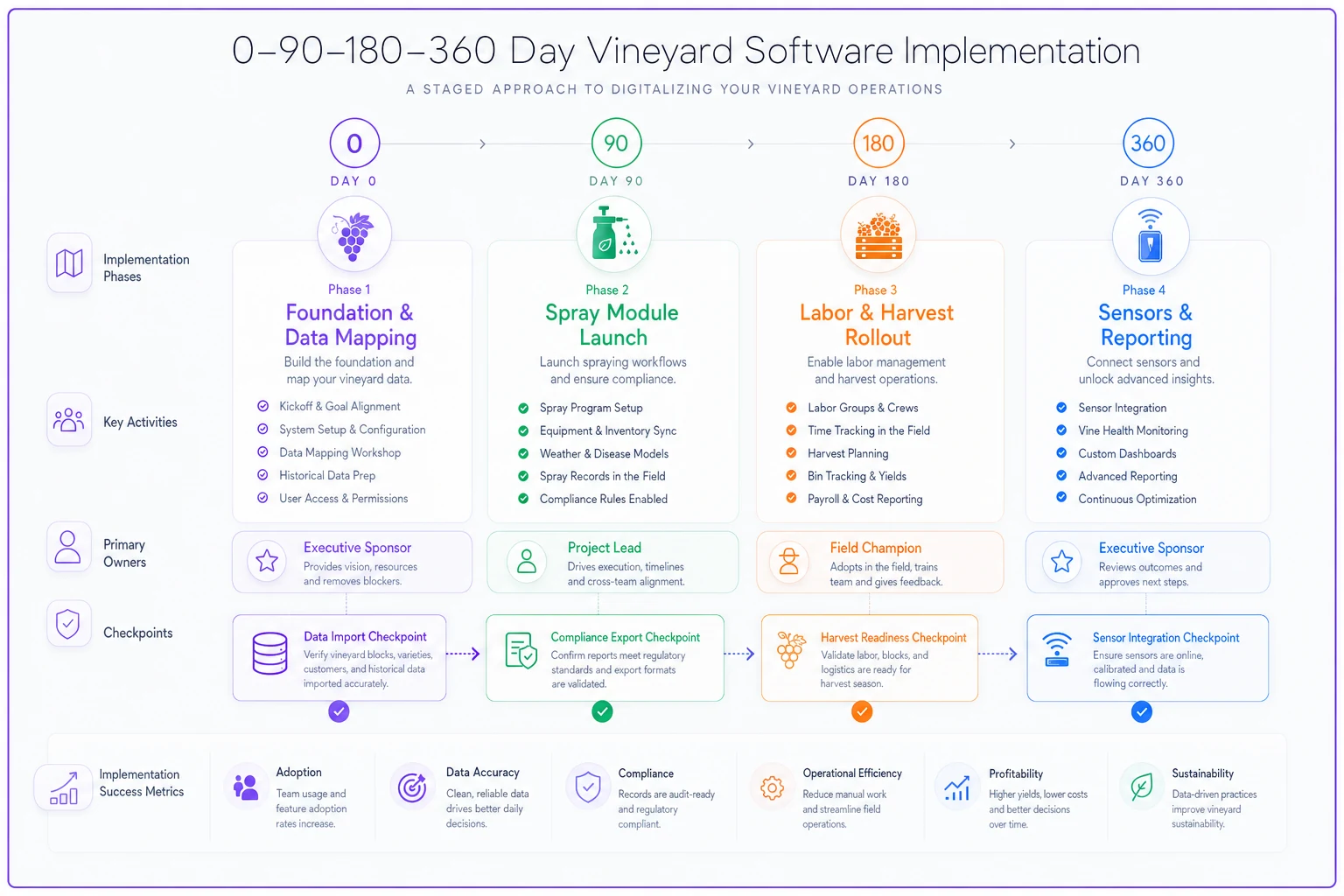
A simple diagram of the staged rollout clarifies who does what and when.
Days 90–180 — Labor and harvest
-
Roll out crew time/piece-rate capture
-
Configure harvest intake (Brix, tonnage, lot assignment)
-
First real compliance export; have your certifier review it
Days 180–360 — Sensors and reporting
-
Connect weather/soil integrations once core data is trusted
-
Build the handful of reports owners actually read
-
Review the full first-season cycle and tighten workflows
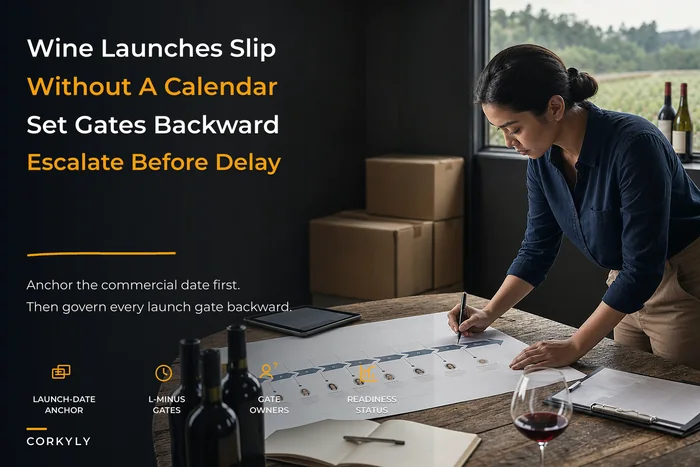
The sequencing principle: prove capture before you build analytics. A dashboard fed by half-entered data just makes bad decisions faster. The same staged discipline that keeps a wine release calendar from slipping applies here — phase the rollout, don't big-bang it.
Who needs to own what
Projects drift when "everyone" owns them. Assign names.
-
Executive sponsor (owner/GM) — signs the ROI model, unblocks budget, kills scope creep.
-
Project lead (vineyard manager) — owns the block list, the timeline, and vendor accountability.
-
Compliance owner — validates every export format before go-live.
-
Field champion (crew lead) — the person whose feedback determines whether capture is actually usable. Ignore this role and adoption dies.
-
Data owner — maintains naming rules and the canonical block list over time.
The field champion is the one teams consistently underweight. If your most respected crew lead won't use the mobile form, neither will anyone else.
Vendor red flags
Walk, or walk very carefully, when you see:
-
"Offline? Our app works great on mobile." — Dodging the actual offline question. Non-answer.
-
No written export-on-exit terms. If leaving means losing your data, you don't own your records.
-
Per-seat pricing with no seasonal-worker option. You'll either overpay or your crew won't log anything.
-
Implementation "included" with no named contact or hours. Translation: a help article and good luck.
-
Vague integration answers. "We can integrate with anything via API" usually means you'll build and maintain it.
-
Pressure to sign before harvest "to lock in pricing." Real vendors know going live mid-harvest is reckless.
If they can't name a 100-acre happy customer, you're the experiment.
When this makes sense — and when it doesn't
Good fit: You're farming roughly 40–250 acres, juggling spray compliance and seasonal labor across multiple blocks, and your records live in a tangle of spreadsheets, text messages, and a binder in the shop. The payback here is real and fast.
Bad idea: You're a very small single-block estate where one well-maintained spreadsheet and a disciplined weekly routine genuinely covers you. Software you don't need is just overhead and another login.
Should NOT do this right now: Anyone whose block naming, record ownership, and retention rules are still undefined. Migrating chaos into a new system just gives you organized chaos. Fix the data governance first, then buy — the sequencing matters more than the vendor choice.
A quick real-world scenario
A family estate running about 95 acres across seven blocks had their spray records split between two spreadsheets and a field notebook. Assembling the annual compliance packet ate roughly three full days of the office manager's time, and one near-miss on a REI window the prior season had everyone nervous.
They staged the rollout as described above: spray module first, canonical block list cleaned up before import, only two seasons migrated. By the second harvest on the system, the compliance export that used to take three days took part of an afternoon, and the REI conflict warnings had caught two scheduling mistakes before anyone sprayed.
Not a dramatic transformation — just steadier records, fewer late-night "did we log that?" moments, and an owner who stopped dreading audit season. That's the realistic win. It's less exciting than a sales deck promises and far more durable.
Bringing it together
The teams that get this right aren't the ones who pick the flashiest platform. They're the ones who define their three core record types, freeze their block list, score every vendor on the same checklist, and stage the rollout so capture gets proven before analytics get built. Do that, and the software mostly fades into the background — which is exactly where operational tools belong.
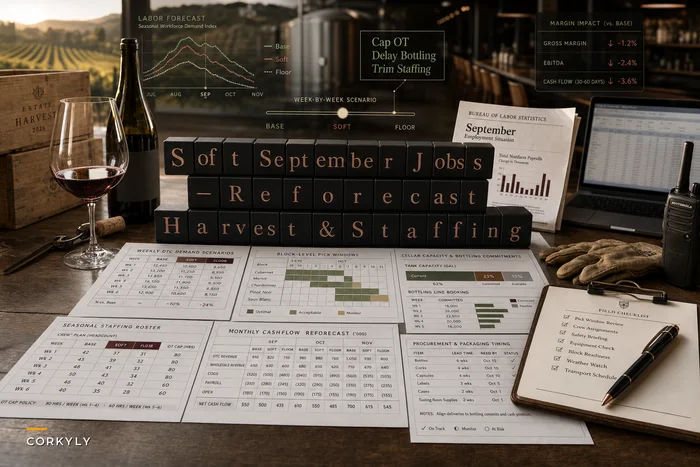
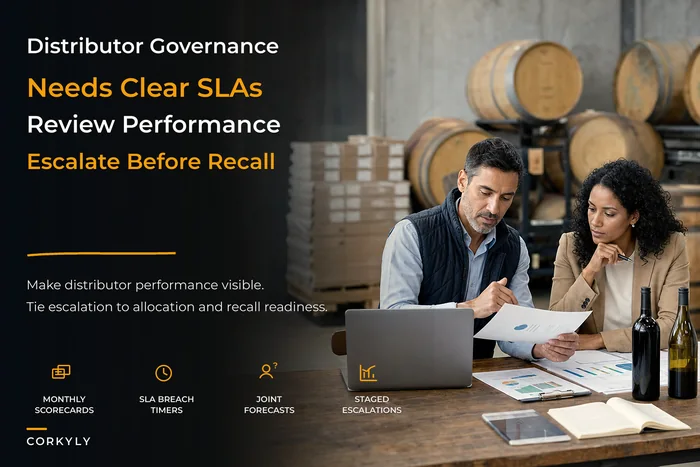
When you're staffing and budgeting the implementation, keep in mind it competes with everything else on your plate. The same forecasting discipline you'd apply when reforecasting staffing and demand applies to timing a software project around your season. And if your records eventually feed distributor reporting or allocation decisions, clean field data is what makes a distributor governance playbook actually enforceable downstream.
Buy for the field, not for the dashboard. The rest follows.
Ready to elevate your winery management?
Join 500+ wineries using Corkyly to increase operational efficiency, boost customer loyalty, and grow sales.